

Skip logic routes respondents forward in your survey based on how they answer a question. Use it when you need to send distinct cohorts down different paths, disqualify someone early, or end a respondent’s flow before they hit questions that don’t apply to them. It moves people forward only, never backward, so a badly placed rule can strand a respondent or skip pages you meant to keep.
TL;DR:
- Skip logic only moves respondents forward and is best suited for simple, single-answer questions to avoid misrouting or skipping unintentionally.
- Place skip logic rules at the end of a page to prevent inconsistent firing and ensure proper flow control, especially for multi-select answers.
- Avoid stacking multiple rules on one page, using skip logic for show/hide tasks, or applying it to multi-select answers without fallback plans.
- Thorough testing of all paths, including edge cases and disqualifications, is essential to prevent broken flows in the field.
- Complex survey routing benefits from pre-programming logic maps and testing by specialists to avoid orphaned pages and incorrect data collection.
Table of Contents
- What Is Survey Skip Logic and How Does It Work?
- Skip Logic vs Display Logic vs Branching: Which One Do You Need?
- How to Set Up Skip Logic: A Step-by-Step Checklist
- Where Can Skip Logic Send Respondents?
- Best Practices and Common Mistakes With Skip Logic
- Testing Your Skip Logic Before Launch: A QA Checklist
- How Veridata Insights Handles Complex Skip Logic Programming
- Get Skip Logic Right the First Time With Veridata Insights
- Sources
What Is Survey Skip Logic and How Does It Work?
Skip logic executes the moment a respondent clicks “Next” or crosses a page break. The survey engine checks the answer just given, matches it against a rule you configured, and jumps the respondent forward to whatever destination you set. There’s no going back. Qualtrics documentation confirms that skip logic sends respondents forward only, and it often triggers an automatic page break wherever the rule lives.
Not every question format handles this cleanly. Skip logic works best on closed-ended questions with a small, fixed set of answers, since the engine needs a clean answer to match against.
Formats that support skip logic reliably:
- Single-answer multiple choice
- Dropdown menus
- Net Promoter Score (NPS) questions
- Single-row rating scales
Checkbox (multi-select) questions are trickier. A respondent can pick three options at once, and most builders struggle to fire a single clean rule off a combination answer. SurveyMonkey’s guidance points researchers toward closed-ended, single-answer formats for this exact reason.
Pro Tip: Place your skip logic rule at the very end of the page, after every other question on it. Vendor help centers consistently flag this as the fix for logic that fires inconsistently.
Skip Logic vs Display Logic vs Branching: Which One Do You Need?
These three terms get used interchangeably, and that’s where most survey flows break. Skip logic moves a respondent forward to a different page or question. Display logic shows or hides a question or answer choice in place, without moving anyone anywhere. Branching is the umbrella term for using both together to build multiple distinct paths through a survey.
Ethnio’s help documentation draws the line clearly: display logic supports multi-condition AND/OR expressions and typically checks several answers at once, while skip logic is usually triggered off a single question.
Here’s how to decide which to use:
- Need to end a respondent’s survey or send them to a completely different section? Use skip logic.
- Need to reveal a follow-up question only when relevant, without jumping pages? Use display logic.
- Need both, layered across a long questionnaire? That’s branching, and it needs a flow map before you touch the builder.
A screener that disqualifies non target respondents is a skip logic job. A “tell us more” follow-up that appears only after a low satisfaction score is a display logic job.
Pro Tip: If you catch yourself wanting to hide just one answer choice rather than route someone to a new page, you almost always want display logic, not skip logic.
How to Set Up Skip Logic: A Step-by-Step Checklist
Rushing straight into the builder is how surveys end up with orphaned pages and respondents stuck in loops. Work through this checklist in order.
Before you open the builder:
- Map every intended path on paper or in a flowchart. A study on survey methodology and respondent burden ties poor routing directly to higher breakoff rates, so this step isn’t busywork.
- Identify which questions need page breaks, since most skip rules require the trigger question to sit on its own page or at the end of one.
- Note every disqualification point and where disqualified respondents should land.
Inside the builder:
- Select the trigger question and open its logic settings.
- Set the destination: a later question, a page, the end of survey, or an external URL.
- Pick the answer condition (or conditions) that fires the rule.
- Save the rule, and use color coding where the platform offers it. Most builders visually flag logic statements once saved, which makes a crowded questionnaire far easier to audit later.
Special cases worth flagging up front: multi-select answers rarely play well with skip logic, so convert them to a display-logic follow-up instead. Quota-based skips need embedded data fields to track counts. Some platforms auto-insert page breaks the moment you add a rule, which can quietly change your survey’s page count.
Document every logic change as you make it, including who changed it and why. A questionnaire with a dozen skip rules and no change log is nearly impossible to debug three weeks later when a client asks why respondent 214 saw the wrong question.
Where Can Skip Logic Send Respondents?
Every skip rule needs a destination, and the options behave differently depending on what you pick.
- A specific question: jumps forward to a named question, skipping everything in between.
- Top of a page: lands the respondent at the start of a later page rather than a single question.
- End of survey: closes out the respondent’s flow, typically triggering a thank-you or completion screen.
- Disqualify: ends the survey early and usually routes to a separate disqualification message, often used for screener failures.
- External URL: exits the survey entirely and sends the respondent to another website or panel redirect.
Most platforms renumber questions and pages automatically once logic reroutes respondents, so the question numbers a respondent sees rarely match the master questionnaire numbering. That’s expected behavior, not a bug.
The forward-only constraint matters here too: you cannot send someone backward, and SurveyGizmo’s documentation notes that skip logic is tied to the page that precedes it. If that page never renders for a given respondent, the skip tied to it simply won’t fire. When question-level skip logic and page-level logic both apply, the question logic generally takes precedence, which is exactly why placing skip rules at the end of a page avoids conflicts.
Best Practices and Common Mistakes With Skip Logic
The surveys that break in the field almost always trace back to a handful of avoidable habits.
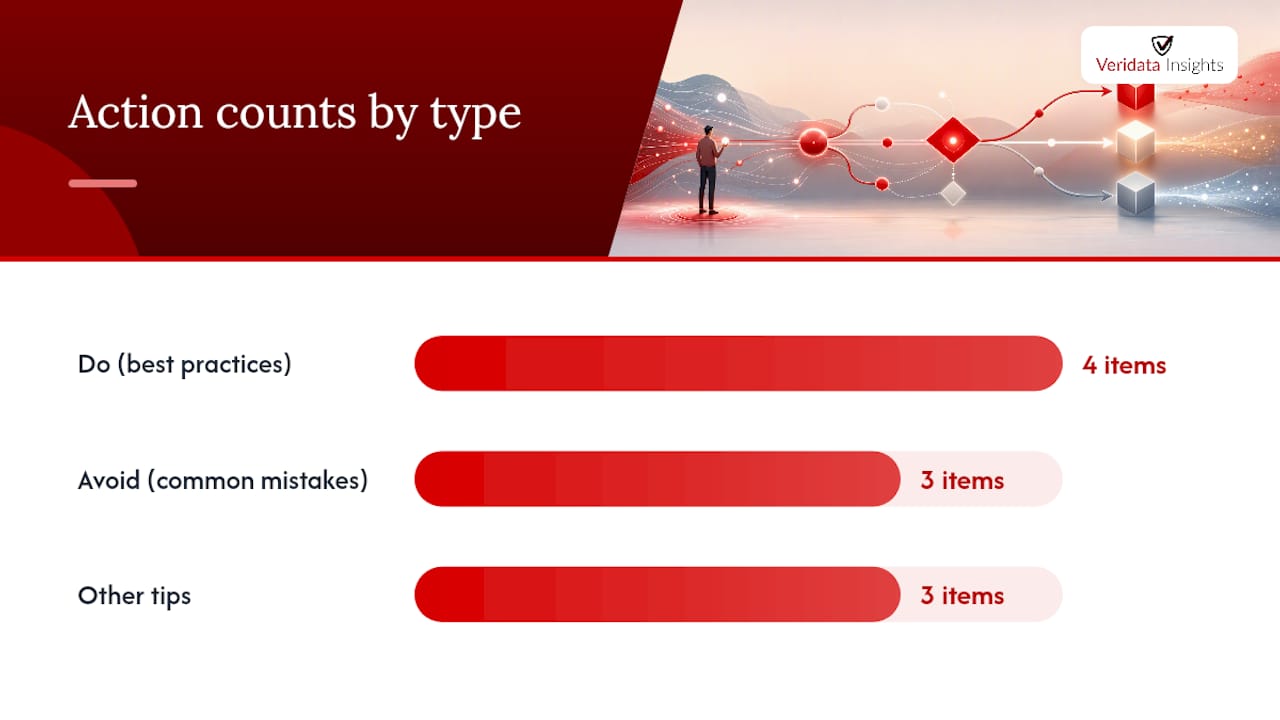
Do this:
- Keep each rule simple: one trigger question, one clear condition, one destination.
- Document every rule in a logic map, not just inside the builder.
- Place skip rules at the end of a page, every time.
- Test every single path, not just the “happy path” a typical respondent takes.
Avoid this:
- Stacking multiple conflicting skip rules on one page. The engine will pick one, and it may not be the one you intended.
- Using skip logic for fine-grained show/hide work that display logic handles better.
- Writing skip rules against multi-select answers without a fallback plan.
Convert multi-select triggers into a display-logic follow-up instead, track quota counts with embedded data rather than skip rules, and color-code your logic statements wherever the builder supports it. Pro Tip: A questionnaire with color-coded logic is dramatically faster to QA than one where every rule looks identical on the screen.
Testing Your Skip Logic Before Launch: A QA Checklist
Skip logic that looks right in the builder can still fail in the field, so testing isn’t optional.
- Preview the entire survey and click through every answer option on every trigger question. SurveyMonkey recommends testing in preview mode immediately after adding any logic, before collecting a single real response.
- Simulate edge cases specifically: multi-select combinations, quota completions, and any external URL redirect.
- Watch for loops, missing pages, or renumbering that doesn’t match your logic map.
- Submit test responses and inspect the recorded data for path markers, confirming disqualify and end-of-survey branches actually recorded the way you expected.
Qualtrics community guidance reinforces the same habit: preview every path, and never assume a rule fires correctly just because it saved without an error. A rule that looks correct in the settings panel can still route the wrong cohort if a condition was set against the wrong answer choice.
How Veridata Insights Handles Complex Skip Logic Programming
Complex questionnaires with dozens of branches deserve more than a quick once-over before fielding. Veridata Insights builds logic maps before programming a single question, then runs full questionnaire review and end-to-end path testing before any respondent sees the survey. That review process catches the conflicting rules and orphaned pages that slip past a single pass in the builder.

If you’re evaluating a programming partner for your next study, ask for three things: a documented logic map, an annotated questionnaire showing every skip and display rule, and a written test report covering each path. Those three deliverables tell you whether the work was actually verified or just assumed to work.
Get Skip Logic Right the First Time With Veridata Insights
Building your own logic map and testing every path yourself works, right up until a study has thirty screening combinations and a client deadline in two days. That’s the point where DIY builders start producing the broken flows this article just walked through, missing pages, disqualified respondents landing in the wrong bucket, quotas that never close.
Veridatainsights handles full-service survey programming, from questionnaire review through logic mapping and testing, for B2B, B2C, healthcare, and other hard-to-reach audiences with no project minimums. If your next study needs conditional routing more complex than a simple screener, see how Veridata Insights reviews and programs survey questionnaires before you build another logic map alone, and check the survey design best practices guide for related routing decisions worth locking down early. Reach out through the contact page to scope your next fielded study.
Sources
- Display logic 👁️ and skip logic ⏩ – Ethnio Help Center
- Question Skip Logic | SurveyMonkey
- Skip Logic – Qualtrics